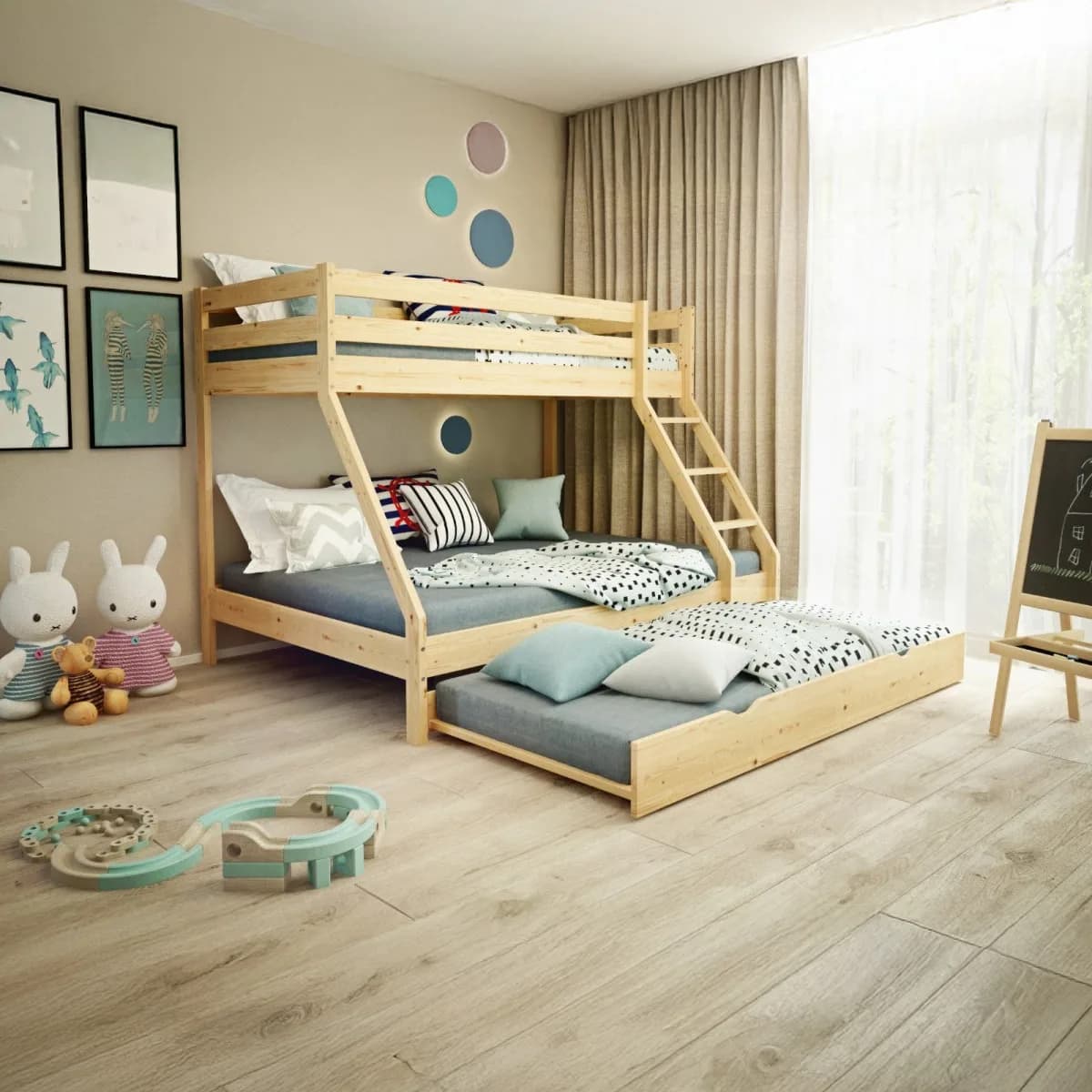
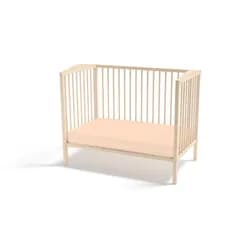
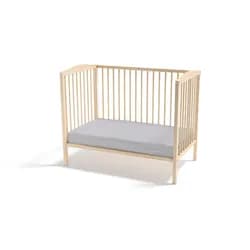
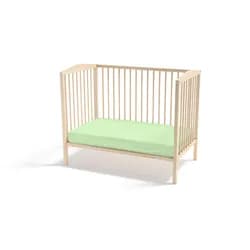
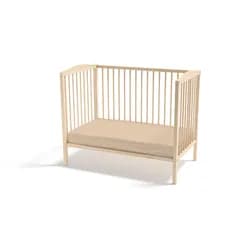
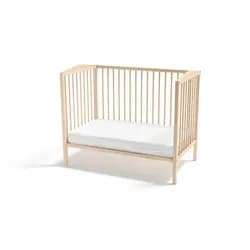
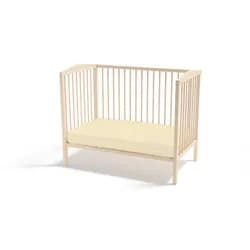
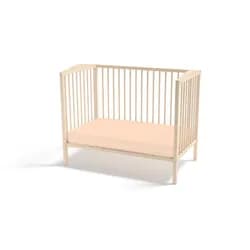
PP Patrová postel z masivu Hugo, 90 x 200 cm / 140 x 200 cm Přírodní
8 599 Kč
Koupit na Luceda.czPřidat do oblíbených
| Dostupnost | Expedice do 8 dnů |
| Prodejce | Luceda.cz |
| Výrobce | PP |
| Doprava | 449 Kč |
Parametry
| Odezva | Okay, I've analyzed the provided HTML and CSS code. Here's a breakdown of what it does and some observations: **Overall Structure & Purpose:** The code creates three sections on a webpage: 1. **Montáž a obsah balení (Assembly and Package Contents):** This section details the ease of assembly, lists the contents of the package, and mentions delivery. 2. **Styl boxů pro montáž (Style for Assembly Boxes):** Contains CSS to style the boxes in the previous section. 3. **Závěrečná poznámka (Final Note):** A disclaimer stating that mattresses, storage drawers, pillows, blankets, bedding, and decorations are not included and provides a link to contact the company. **Detailed Breakdown:** * **CSS Styling:** The CSS is embedded within `<style>` tags. It defines styles for various elements: * `.icon`: Styles an icon (likely used in the assembly section). It's circular, centered, and bold. * `.spec-title`: Styles a title for specifications (not directly used in this snippet but likely part of a larger design system). * `.spec-value`: Styles the value associated with a specification. * `montaz-box`: Styles the boxes within the assembly section. They have a dashed border, rounded corners, padding, and a hover effect that changes the background color and adds a shadow. * `stela-note`: Styles the final note section, adding a top border and padding. * **HTML Structure:** * The `section` elements use inline styles for basic layout (padding, background color, margin). This is generally not best practice for maintainability; external or embedded CSS files are preferred. The `font-family: 'Source Sans Pro', sans-serif;` style is applied to the sections. * The assembly section uses a grid layout (`display: grid`) with responsive columns (`grid-template-columns: repeat(auto-fit, minmax(220px, 1fr))`). This ensures that the boxes adapt to different screen sizes. The `gap` property adds spacing between the boxes. * The final note section includes a link to a contact page using an anchor tag (`<a>`) with a green color and no underline. **Key Observations & Potential Improvements:** * **Inline Styles:** The extensive use of inline styles makes the code harder to maintain. Consider moving these styles into a separate CSS file or `<style>` block in the `<head>` section for better organization. * **Iconography:** The icons (e.g., 🧰, ✅, 🚛) are Unicode characters. While they work, using SVG icons would provide more flexibility and scalability. * **Accessibility:** Ensure that the color contrast between text and background colors meets accessibility guidelines (WCAG). The current colors seem generally okay but should be checked with a contrast checker. * **Semantic HTML:** While `section` is used appropriately, consider using other semantic elements like `<article>` or `<aside>` if they better describe the content of each section. * **Luceda Heading/Underline:** The use of custom class names (`luceda-heading`, `luceda-underline`) suggests a larger design system. Make sure these classes are consistently defined and used throughout the website. **In summary, this code creates a visually appealing and informative section about product assembly and package contents, with a disclaimer at the end. The main area for improvement is to refactor the inline styles into external or embedded CSS for better maintainability.** |
Související produkty
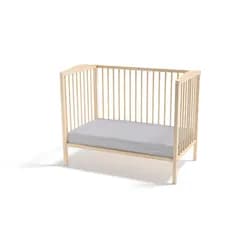
Profod Prostěradlo FROTÉ COMFORT do postýlky 60x120 cm - Cappuccino
129 Kč
SklademPovlečemevás.cz
Koupit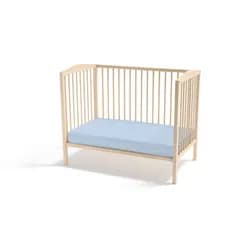
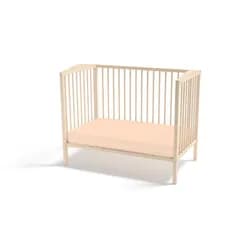
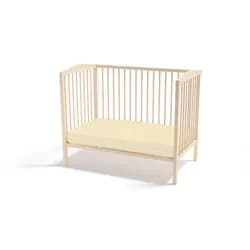
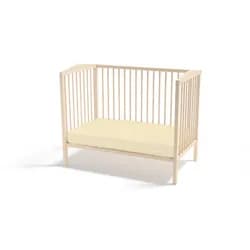
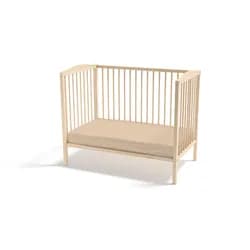
Profod Prostěradlo FROTÉ COMFORT do postýlky 70x140 cm - Cappuccino
139 Kč
SklademPovlečemevás.cz
Koupit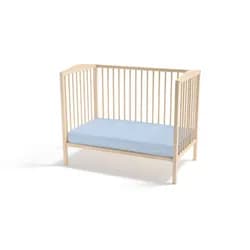
Profod Prostěradlo Jersey COMFORT do postýlky 60x120 cm - Oranžová
129 Kč
SklademPovlečemevás.cz
Koupit